Best Educational Robots for Kids in 2026: Ranked by Age Group
Educational robots are one of the best-value technology purchases a parent can make — and one of the easiest to get wrong. The wrong robot sits in a cupboard after two weeks. The right one produces hours of genuine learning and stays relevant as the child grows.
WATCH THE VIDEO

How to Choose: Age First, Features Second
| Age Group | What They Can Handle | What Engages Them |
|---|---|---|
| 5–7 | Simple cause-and-effect, block commands, physical play | Movement, colour, immediate feedback |
| 8–11 | Block-based coding, sequencing, basic loops | Building, customisation, challenges and missions |
| 12–14 | Text-based coding, sensors, more complex logic | Real programming languages, building from scratch |
| 14+ | Full programming environments, electronics, AI | Python, robotics engineering, open-ended projects |
Ages 5–7: Best Starter Robots
Best for Ages 5–7: Sphero Mini
The Sphero Mini is a golf ball-sized robot controlled via smartphone that introduces programming concepts through physical play. Children draw paths on screen, the robot follows them. At under $50 it's the lowest-commitment way to introduce a young child to the concept that computers follow instructions you give them.
Who it's for: First robot for a young child. Gift purchase. Households where you want to see if a child is interested before investing more.
View Sphero Mini on Geppetto →
Ages 8–11: Best Learning Robots
Best for Ages 8–11: Sphero BOLT
The BOLT is the pick for this age group because it grows with the child. At 8, they use the block-based coding interface to create sequences and animations in the transparent LED matrix. By 10–11, they're writing JavaScript in the full coding environment. The transparent chassis showing the electronics inside creates a genuine understanding that there's real hardware executing the code.
The Sphero Edu app includes 120+ activities across multiple subjects and is used in 40,000+ schools globally.
The honest verdict: This is the educational robot with the best combination of engagement and genuine learning across the widest age range. If you're buying one robot for a child aged 8–12, this is it.
View Sphero BOLT on Geppetto →
WATCH THE VIDEO
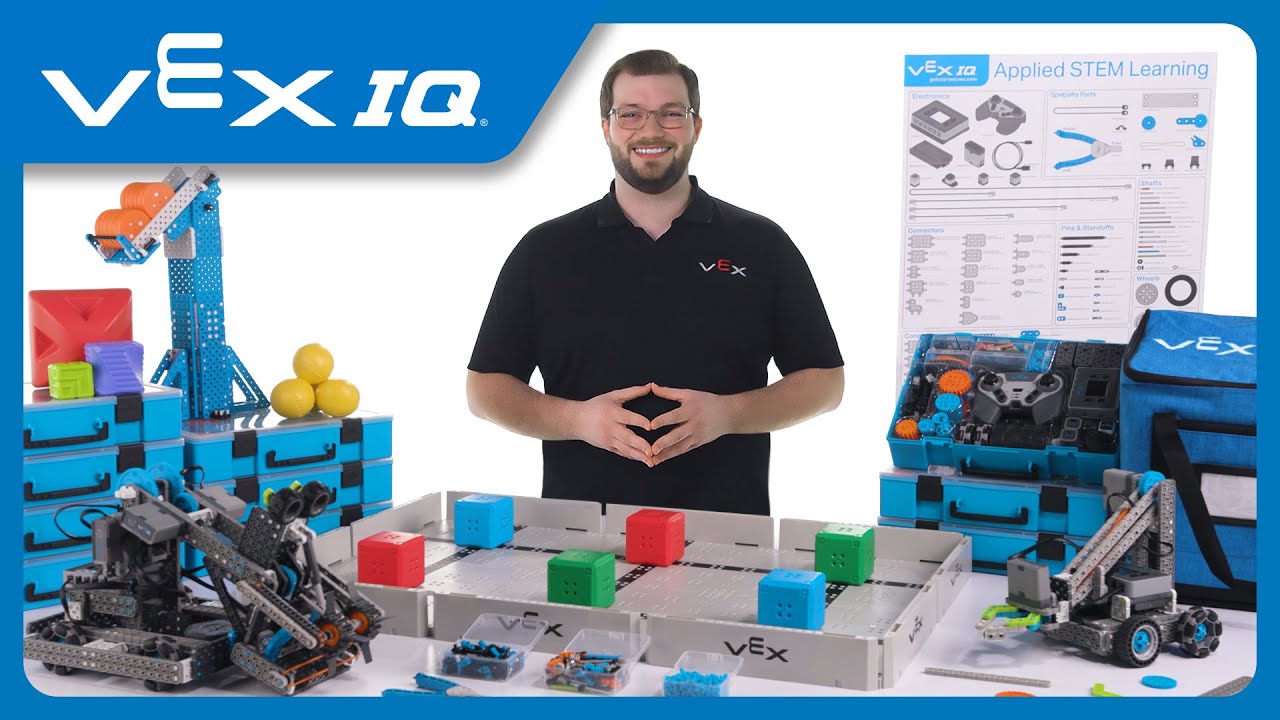
Best Builder for Ages 8–11: Makeblock mBot2
Where the Sphero BOLT is a ready-to-use robot, the mBot2 is a robot you build first. Screwdriver assembly takes 30–60 minutes and produces a wheeled robot with ultrasonic sensors, line-following capability, and programmable LED displays. mBlock software provides both Scratch-based block coding and Python.
View Makeblock mBot2 on Geppetto →
Ages 12–14: Best Intermediate Robots
Best for Ages 12–14: LEGO Mindstorms Robot Inventor
LEGO Mindstorms is the standard against which all educational robotics kits are measured. The Robot Inventor set includes 949 pieces, a programmable hub with 6 input/output ports, colour and distance sensors, and motors. The programming environment supports icon-based commands, Scratch-style blocks, and full Python.
Who it's for: Children aged 11–16 who are genuinely interested in building and engineering rather than just playing with a robot.
View LEGO Mindstorms Robot Inventor on Geppetto →
WATCH THE VIDEO
Ages 14+: Best Advanced Robots
Best for Ages 14+: UBTECH JIMU Robot Builderbots Series
For teenagers ready to move beyond pre-designed kits into genuine engineering, the UBTECH JIMU series provides servo-motor-based construction with a programming environment sophisticated enough for real robotics education. The modular servo system teaches how robot joints and actuation work — the same principles used in professional robots.
View UBTECH JIMU Builderbots on Geppetto →
Gift Buying: Quick Reference
| Budget | Age 5–7 | Age 8–11 | Age 12–14 | Age 14+ |
|---|---|---|---|---|
| Under $60 | Sphero Mini ✓ | — | — | — |
| $60–$130 | — | mBot2 ✓ | mBot Ranger | — |
| $130–$220 | — | Sphero BOLT ✓ | Sphero BOLT | — |
| $220–$400 | — | — | Mindstorms ✓ | JIMU Builderbots ✓ |
Browse all educational robots on Geppetto →
WATCH THE VIDEO

Frequently Asked Questions
What age is best to start with a robot for kids?
Children as young as 4–5 can engage with simple screen-free robots. For meaningful coding education, ages 6–7 with Sphero Mini or ages 8+ with Sphero BOLT or mBot2 produce the best results. The key is matching complexity to developmental stage.
Do educational robots actually teach coding?
The best ones do. Sphero BOLT progresses from block-based to JavaScript coding on the same platform. LEGO Mindstorms and Makeblock robots support full Python. The critical distinction is between robots that teach programming concepts versus robots that provide a scripted play experience with a coding aesthetic.
Are educational robots worth the money?
For children who engage with them, yes. The risk is buying a robot that doesn't match the child's interests or developmental stage. Age-appropriate matching and choosing between coding-first and build-and-code types based on the child's existing interests significantly reduces that risk.
What's the difference between Sphero BOLT and LEGO Mindstorms?
Sphero BOLT is a ready-to-use robot focused on coding and programming education. LEGO Mindstorms is a construction kit you build first, then program. BOLT is better for children primarily interested in coding; Mindstorms is better for children who love building.
Can educational robots be used in schools?
Yes — most robots in this guide have formal school adoption programmes. Sphero is used in 40,000+ schools globally. LEGO Education has dedicated school curriculum kits. Makeblock has a dedicated education platform used in classrooms worldwide.
Prices correct at time of publication. Browse all educational robots on Geppetto →